LITECAL FOR MAC

Clock. Calendar. Timer.
Keep time close.

Looking for a small time utility that’s clear, simple, and free? Choose LiteCal.

01 / CLOCK

The time, at a glance.

Large hours, minutes, and seconds, with the date and lunar details below. The type scales with your window.
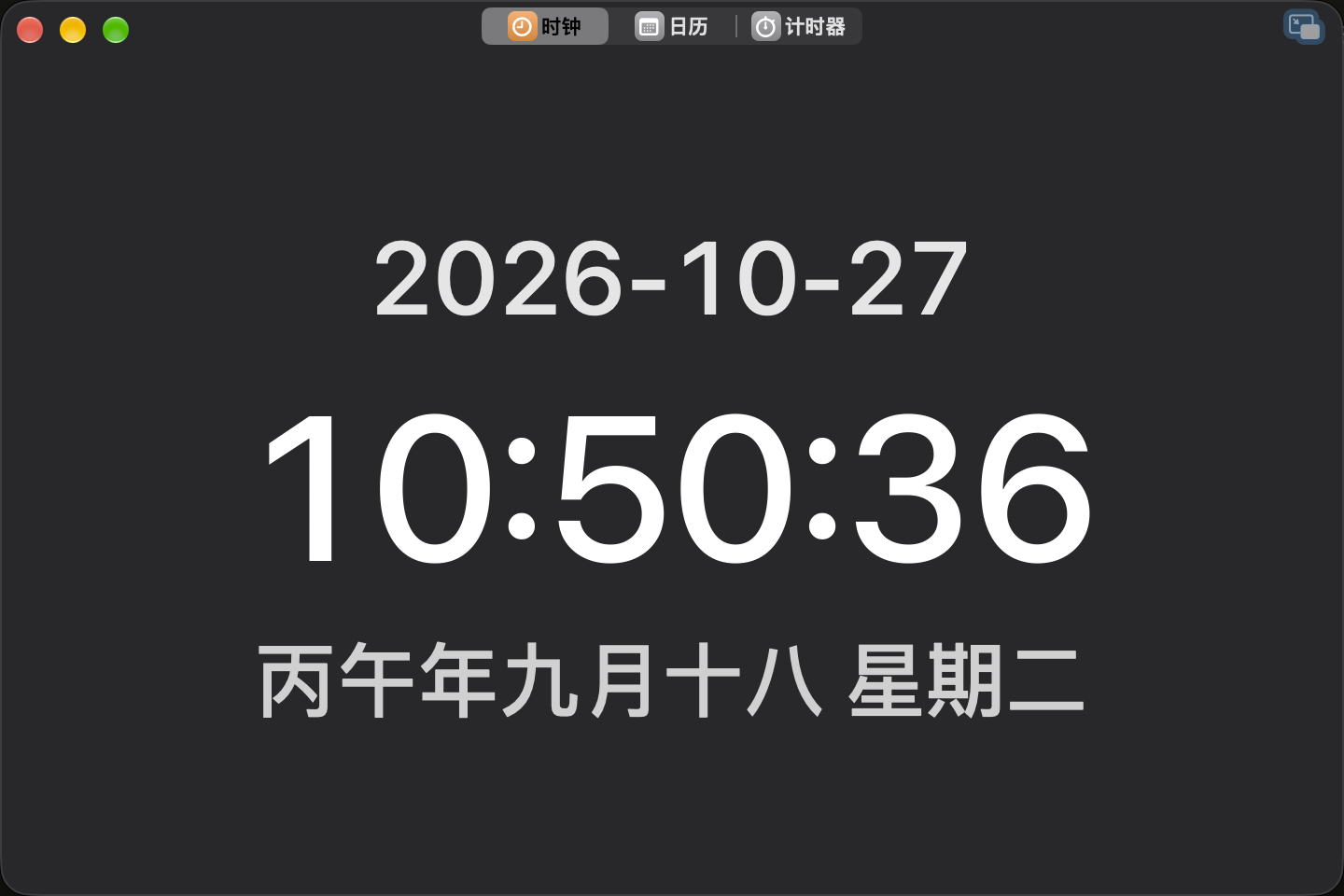
Main window
Clock main window with time, date, and lunar details
Floating window
2026-10-2710:51:01丙午年九月十八 星期二
Notification Center

02 / CALENDAR

Select a range.
Count the workdays.

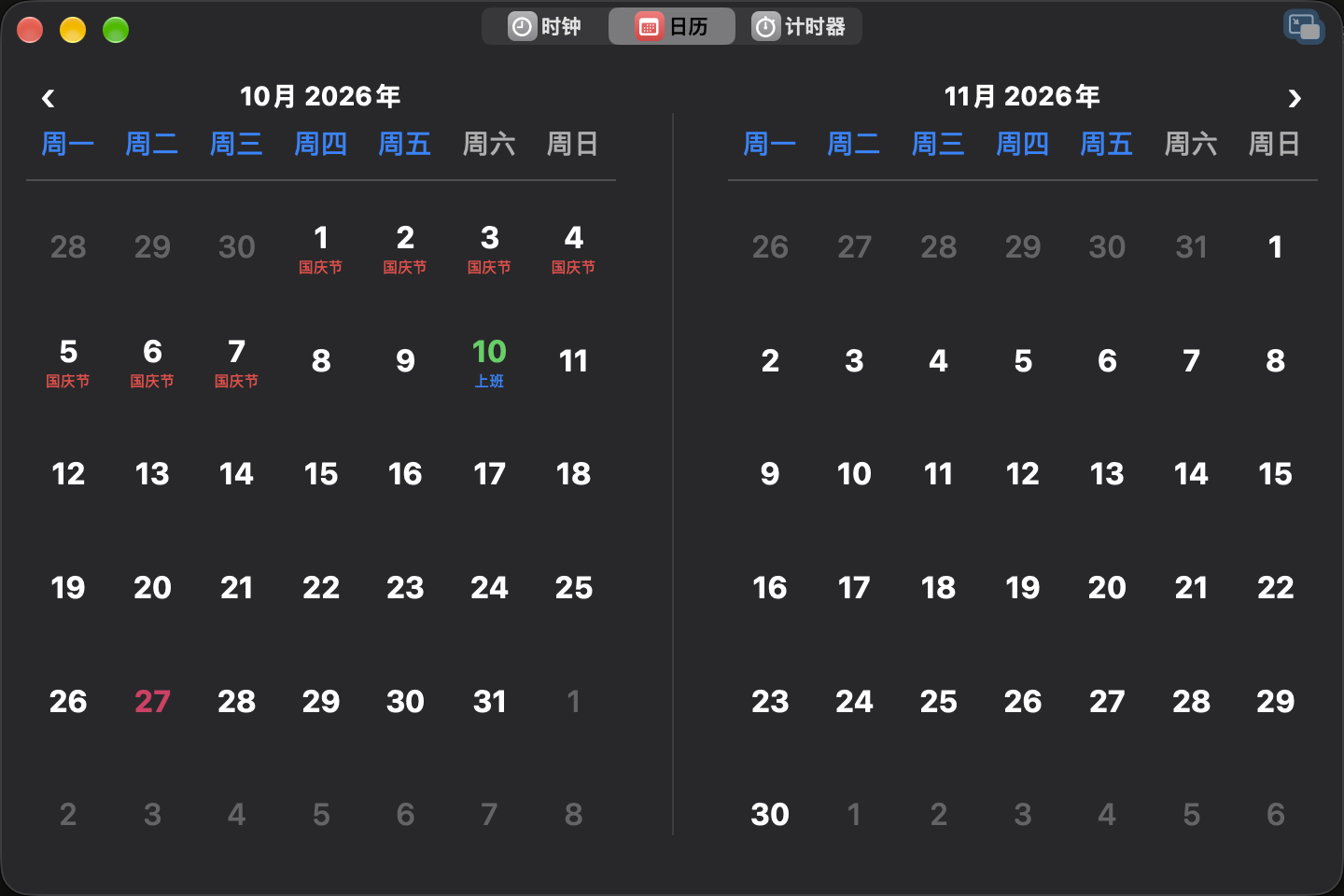
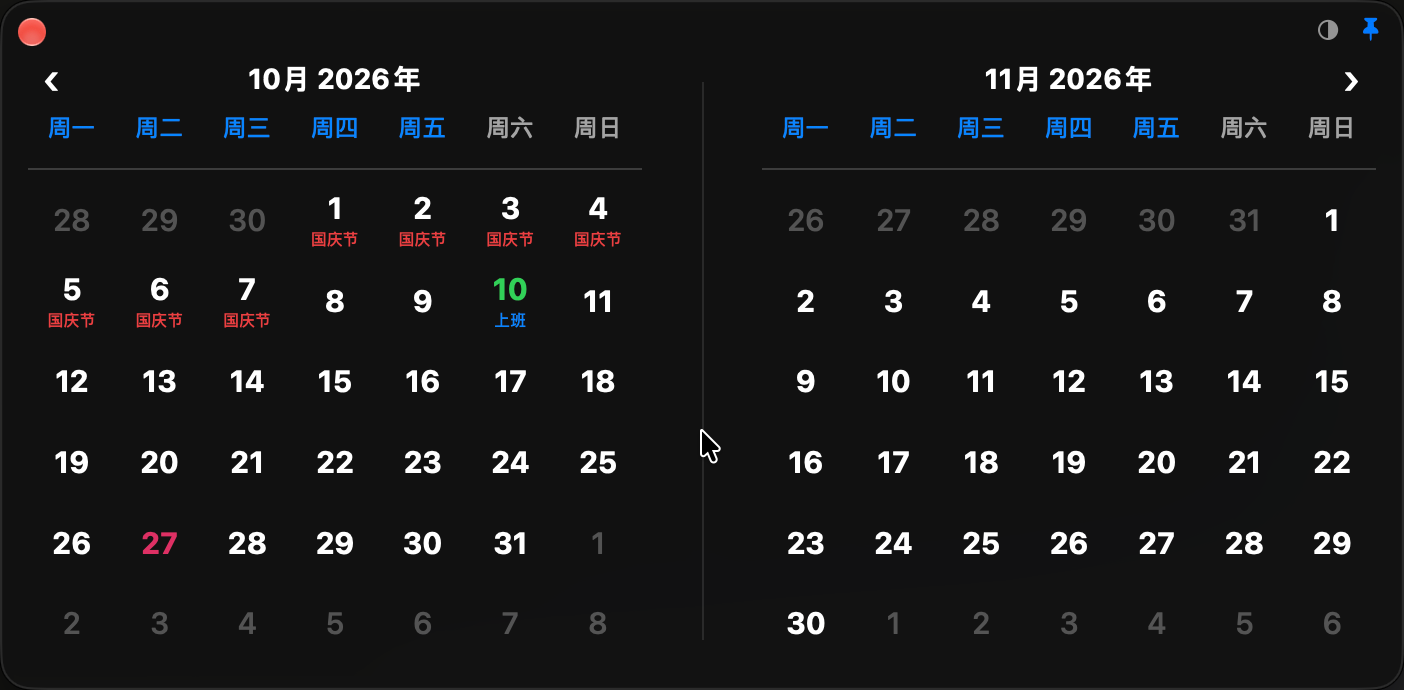
One month or two, depending on your window. Check lunar dates and holidays, then drag a range to count the workdays.

Main window
Calendar main window with two months
Floating window
Calendar floating window
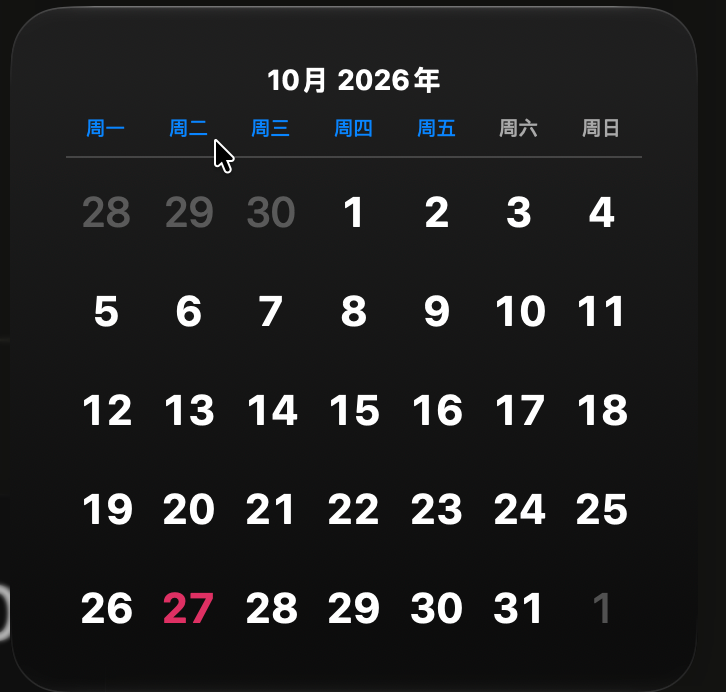
Notification Center

03 / TIMER

Change the window.
Keep the time.

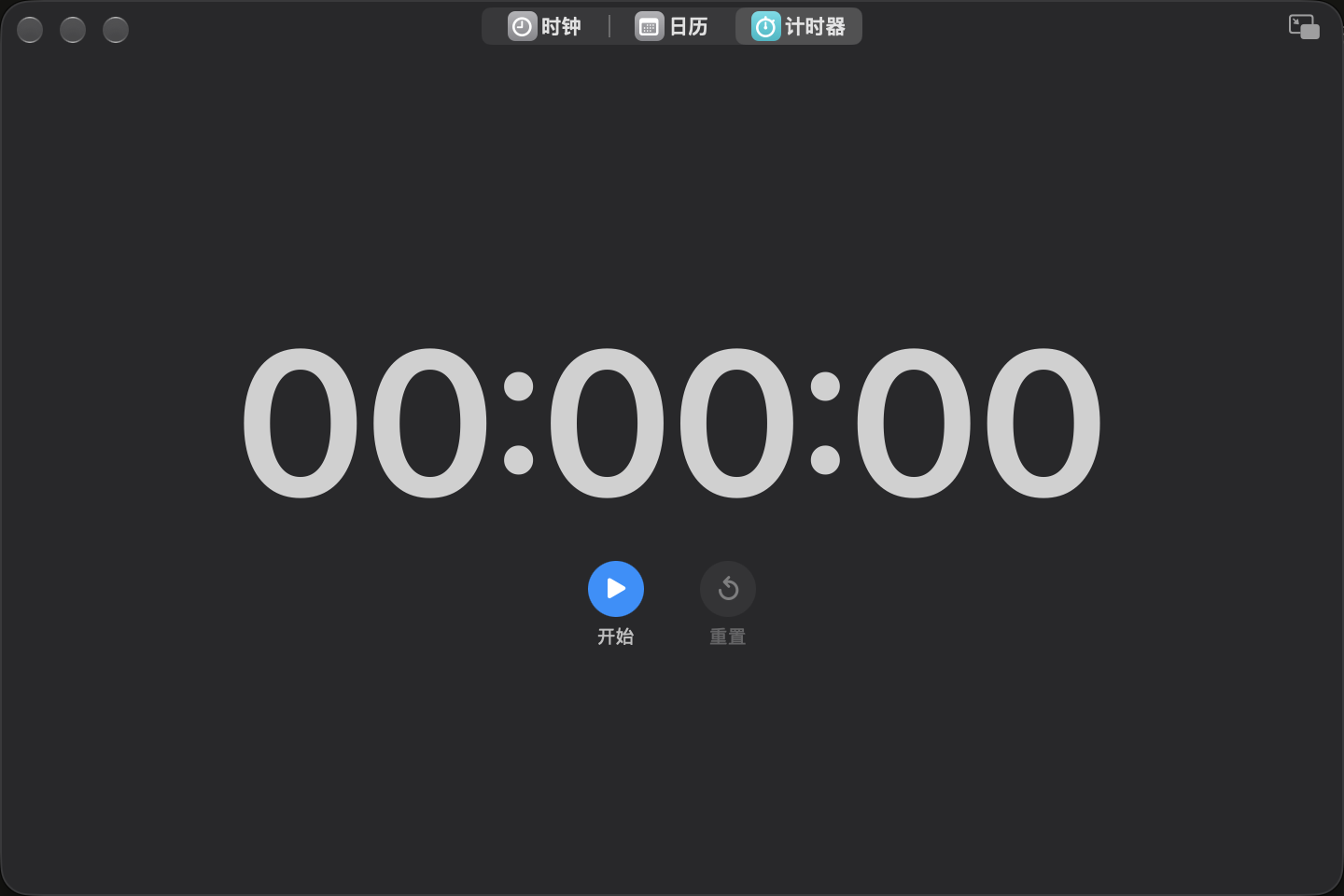
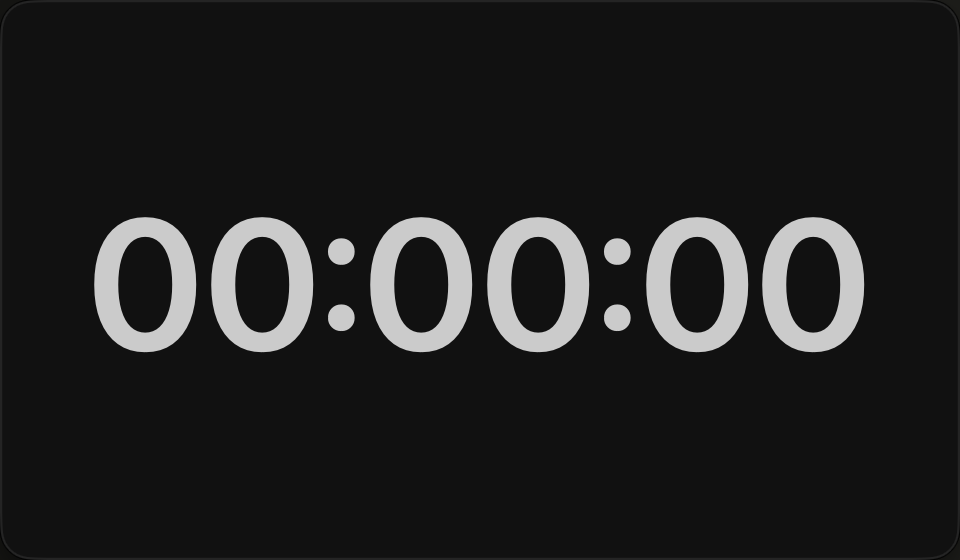
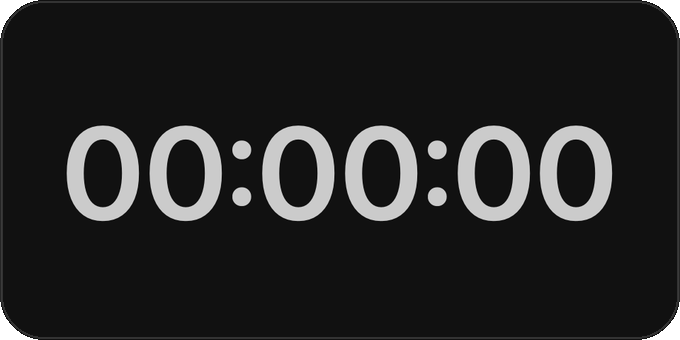
Start, pause, resume, and reset. Your timer stays in sync across the main window, floating windows, and widgets.

Main window
Timer main window
Floating window
Timer floating window
Notification Center

Floating windows

2026-10-2710:51:01丙午年九月十八 星期二
2026.10
一二三四五六日
282930123456789101112131415161718192021222324252627282930311
00:00:00

Notification Center

Notification Center
Clock
2026-10-2710:51:01丙午年九月十八 星期二
Calendar
2026.10
一二三四五六日
282930123456789101112131415161718192021222324252627282930311
Timer
00:00:00
Edit Widgets

LiteCal for Mac

Apple Silicon · macOS

Download ↓